
CVV Ministries
Install CVV Ministries
Take the Word of God everywhere you go. Fast, distraction-free, and always accessible.
View Install GuideWhy Install the App?
Enjoy a premium, native-app experience directly from your home screen without needing an App Store.
Lightning Fast
Open CVV Ministries instantly with one tap from your home screen.
App-like Experience
A distraction-free, mobile-optimized layout that feels just like a native app.
Spiritual Growth
Access devotionals, studies, and Christian resources anytime, anywhere.
Installation Guide
Open Safari
Launch Safari and make sure you're at cristovaivoltar.org.
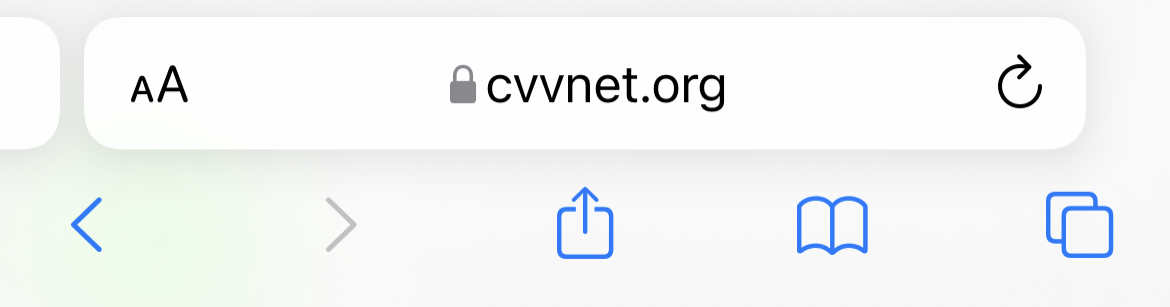
Tap Share
Find and tap the Share icon at the bottom of the screen.

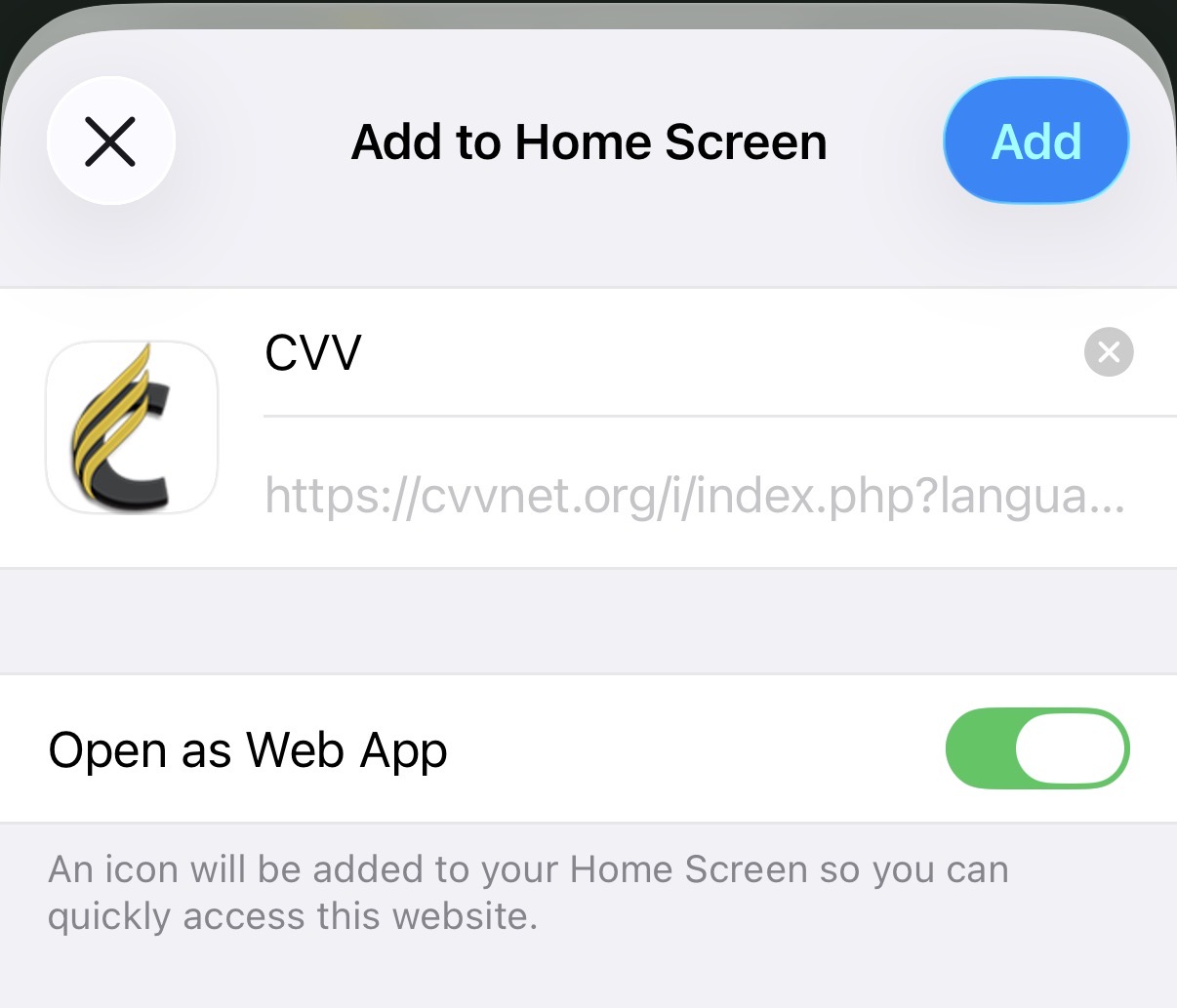
Add to Home Screen
Scroll down, tap Add to Home Screen, and confirm.
1. Open the Site
Go to cristovaivoltar.org in Chrome, then tap the three dots menu.
2. Add to Home
Select "Add to Home screen".
3. Confirm
Tap Add to confirm installation.
Share the Blessing
If this tool has blessed you, please share it with your friends and family. In a world full of distractions, let’s redeem some of our screen time by learning more about God, His Word, and His love.
“But seek ye first the kingdom of God, and his righteousness; and all these things shall be added unto you.”